
 notaday
01 · READ & ANNOTATE
PDF Annotation
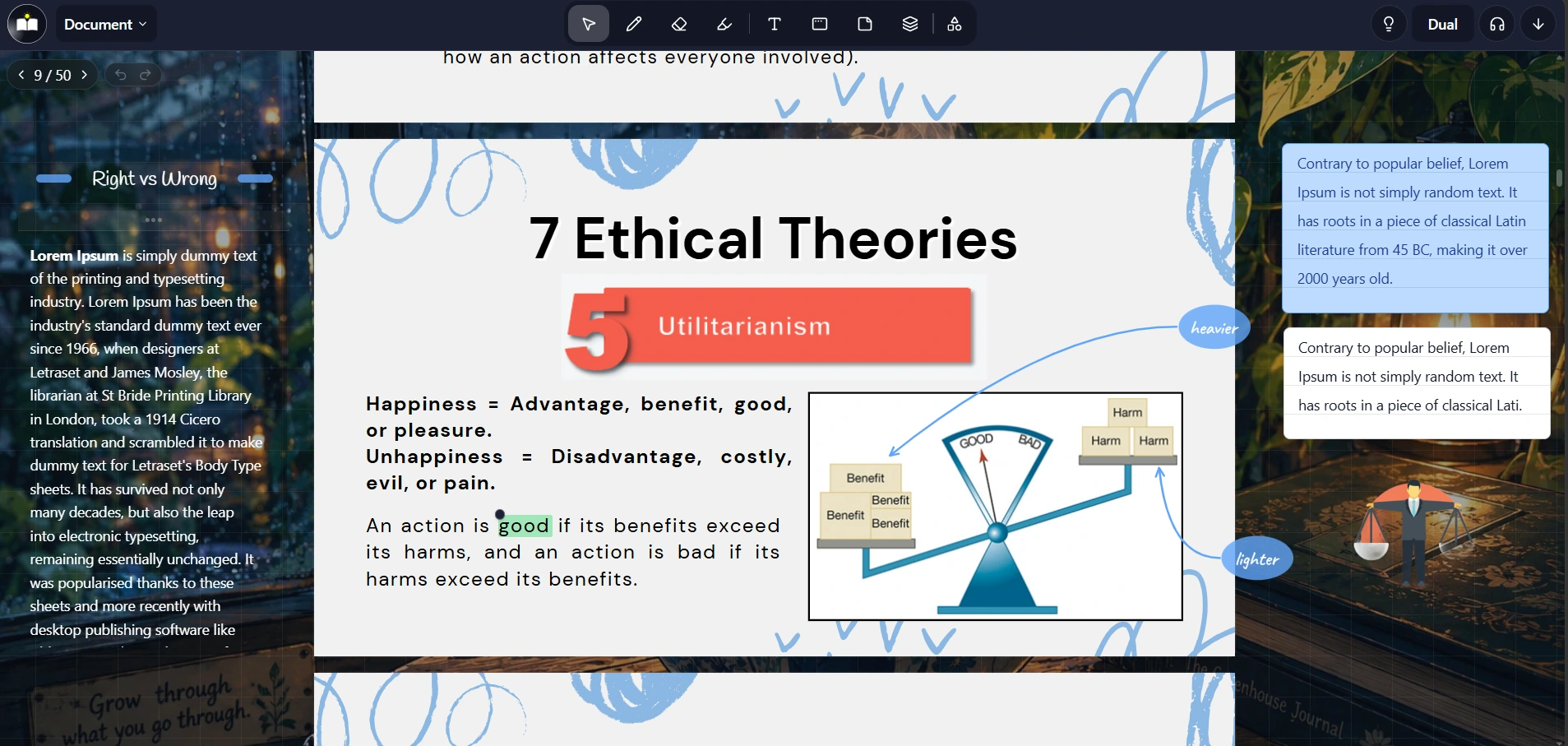
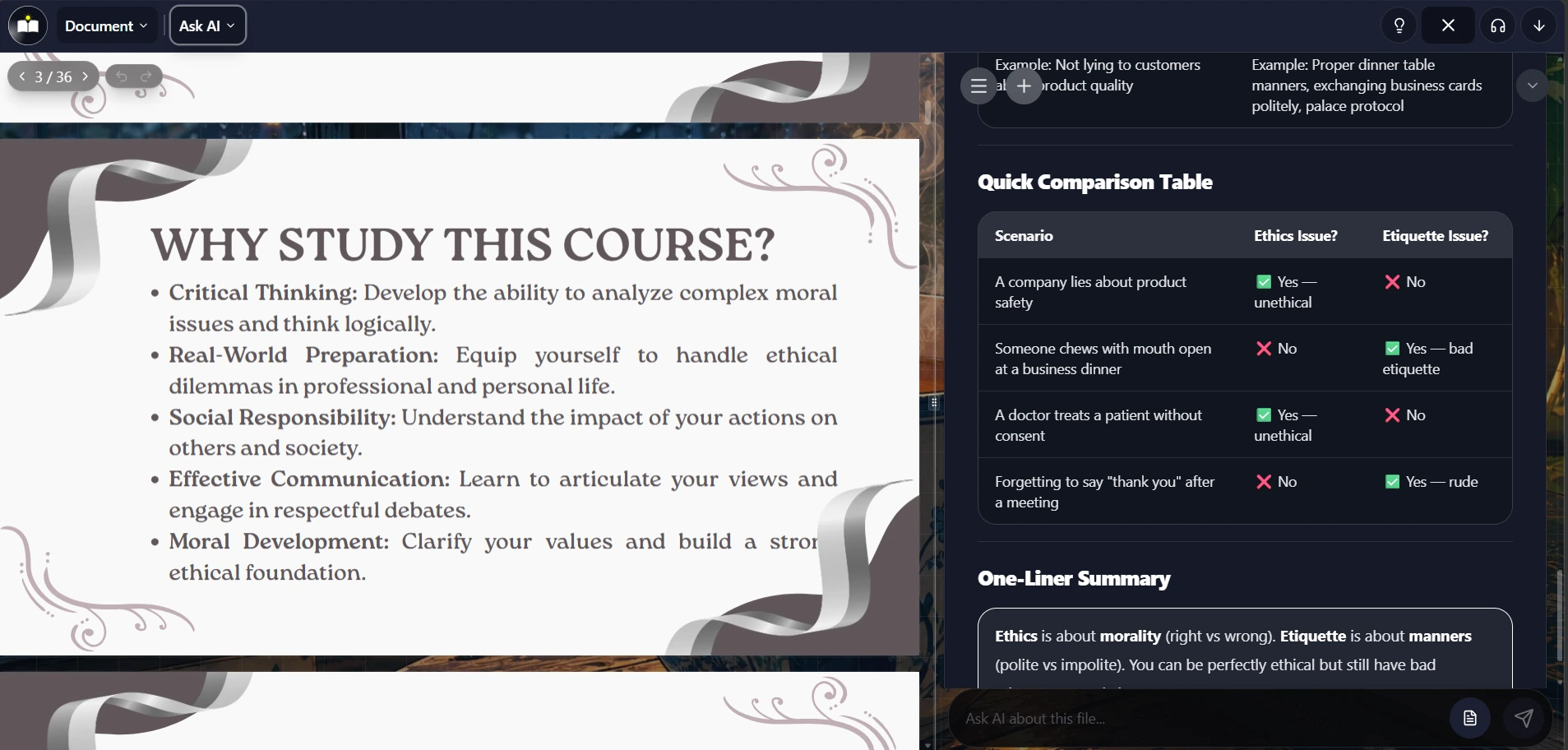
Read your lecture slides and PDFs, highlight the important parts, draw on the page, and add sticky notes. Keep your thoughts right beside the material you're studying.
YOUR MATERIALS. A WHOLE NEW WAY TO STUDY.
Turn your notes into quizzes, flashcards, exercises,
smart notes, summaries, and mind maps. All in Notaday.
Your next study session starts here.
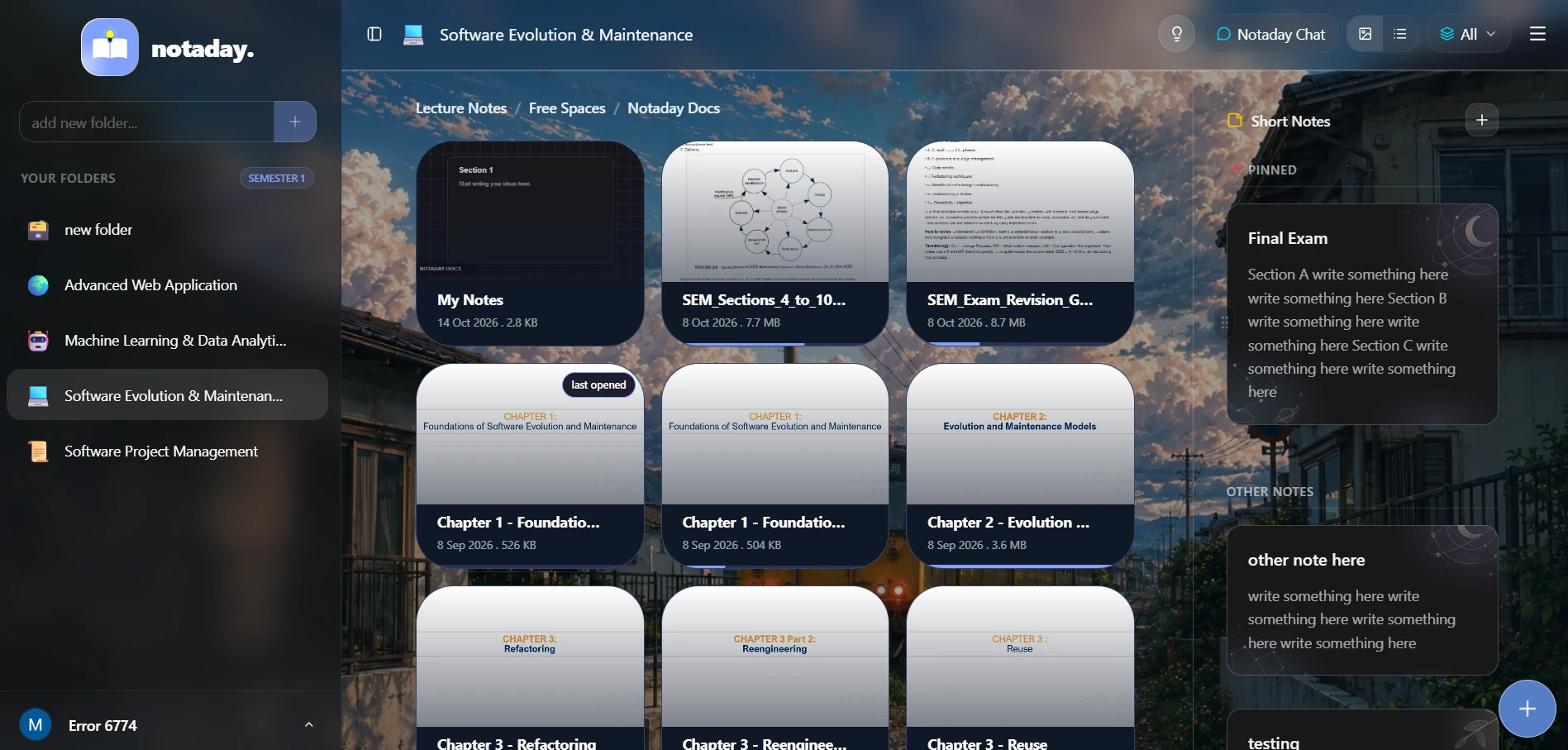
Read, annotate, quiz, summarize, and practice — all grounded in the documents you already have.
Read your lecture slides and PDFs, highlight the important parts, draw on the page, and add sticky notes. Keep your thoughts right beside the material you're studying.
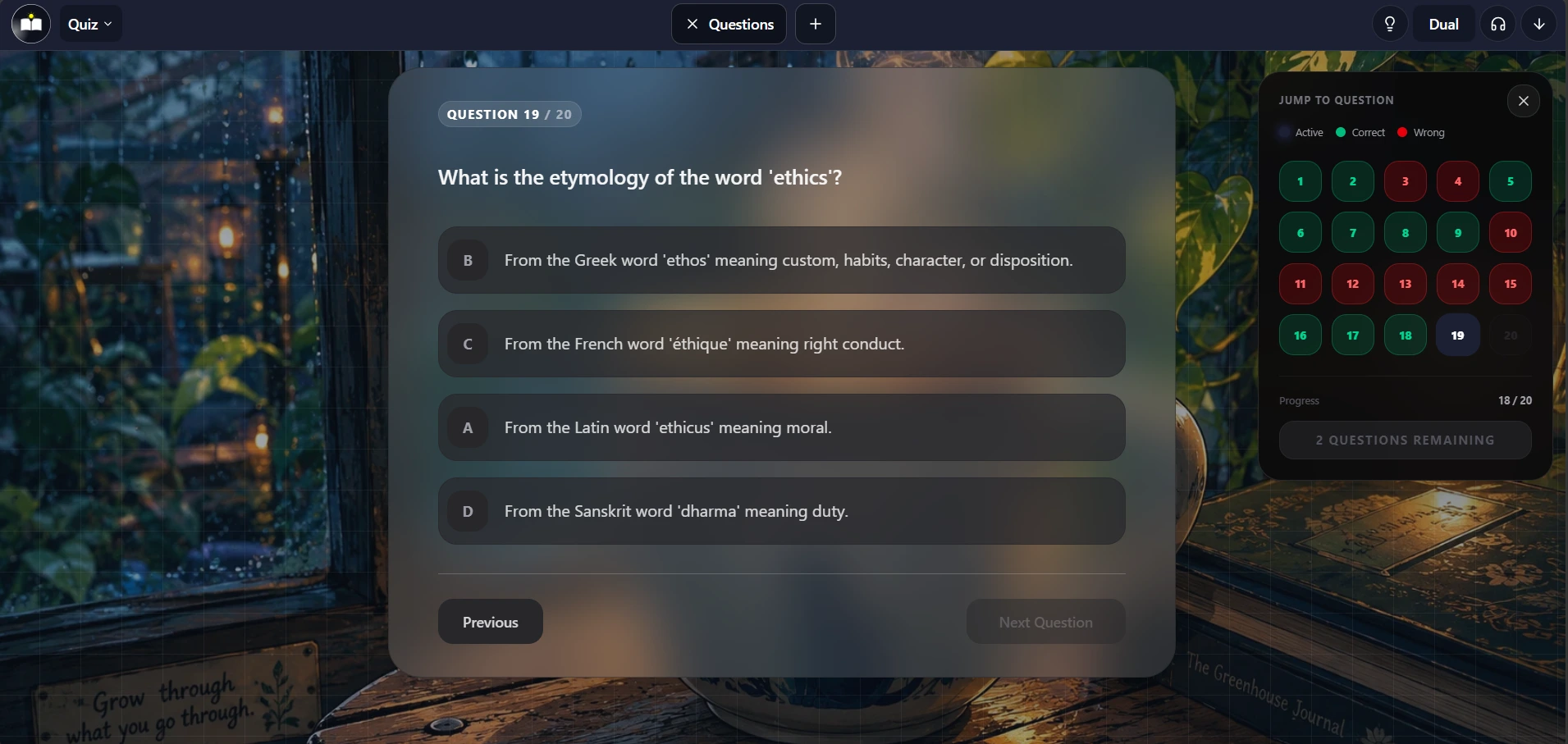
Generate practice questions from your own documents. Answer them to check what you understand and find the topics you need to revisit.
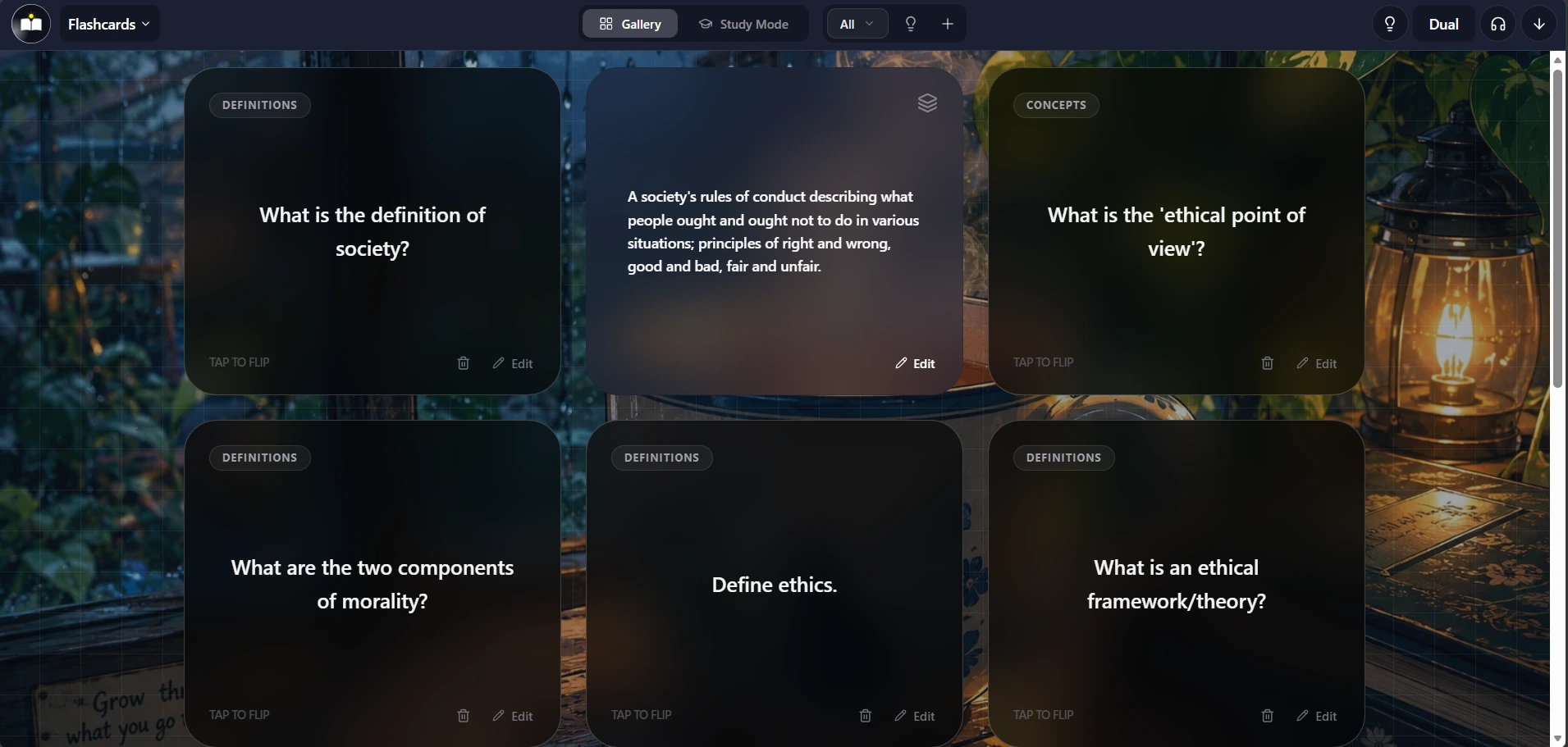
Turn key ideas from your material into flashcards, or create your own. Try recalling each answer before revealing it to make revision more active.
Ask questions about your uploaded documents and get answers grounded in your material. Work through a confusing definition or ask for an idea to be explained more clearly.
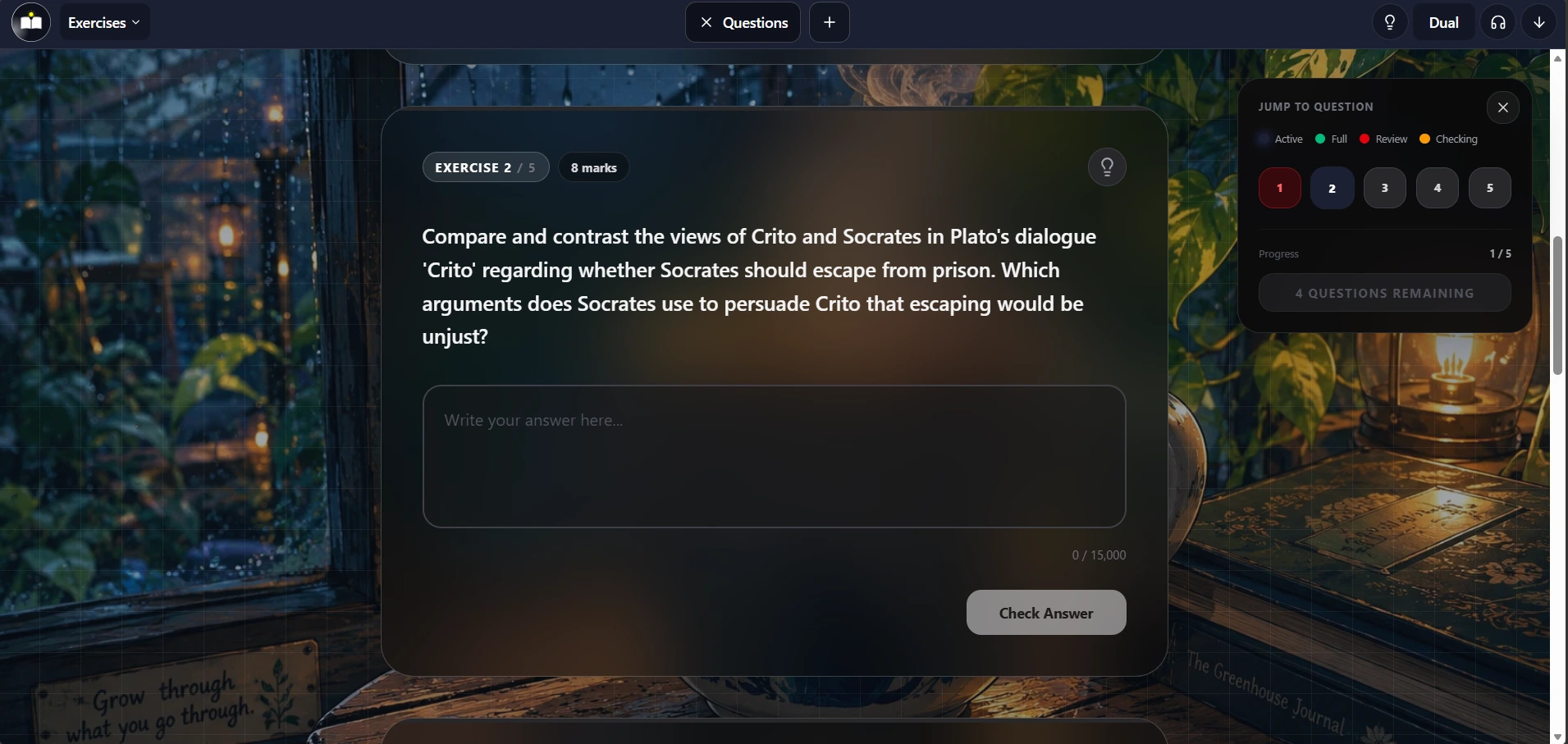
Practice open-ended questions based on your materials. Write your answer and receive AI-powered marks and feedback to help you improve your explanation.
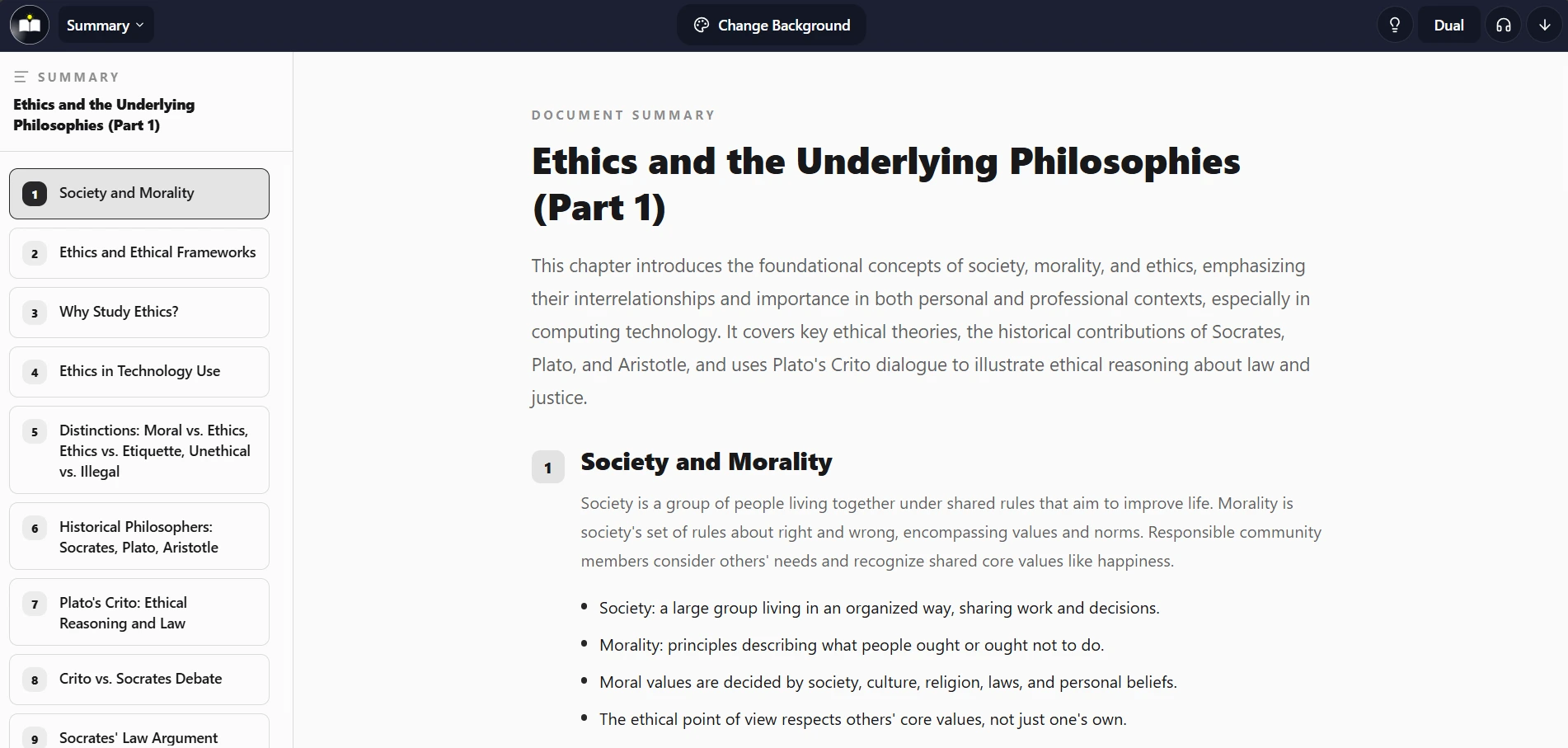
Turn a long lecture or document into a clear, structured summary. Get an overview of the main points before reading deeper or revisiting a topic.
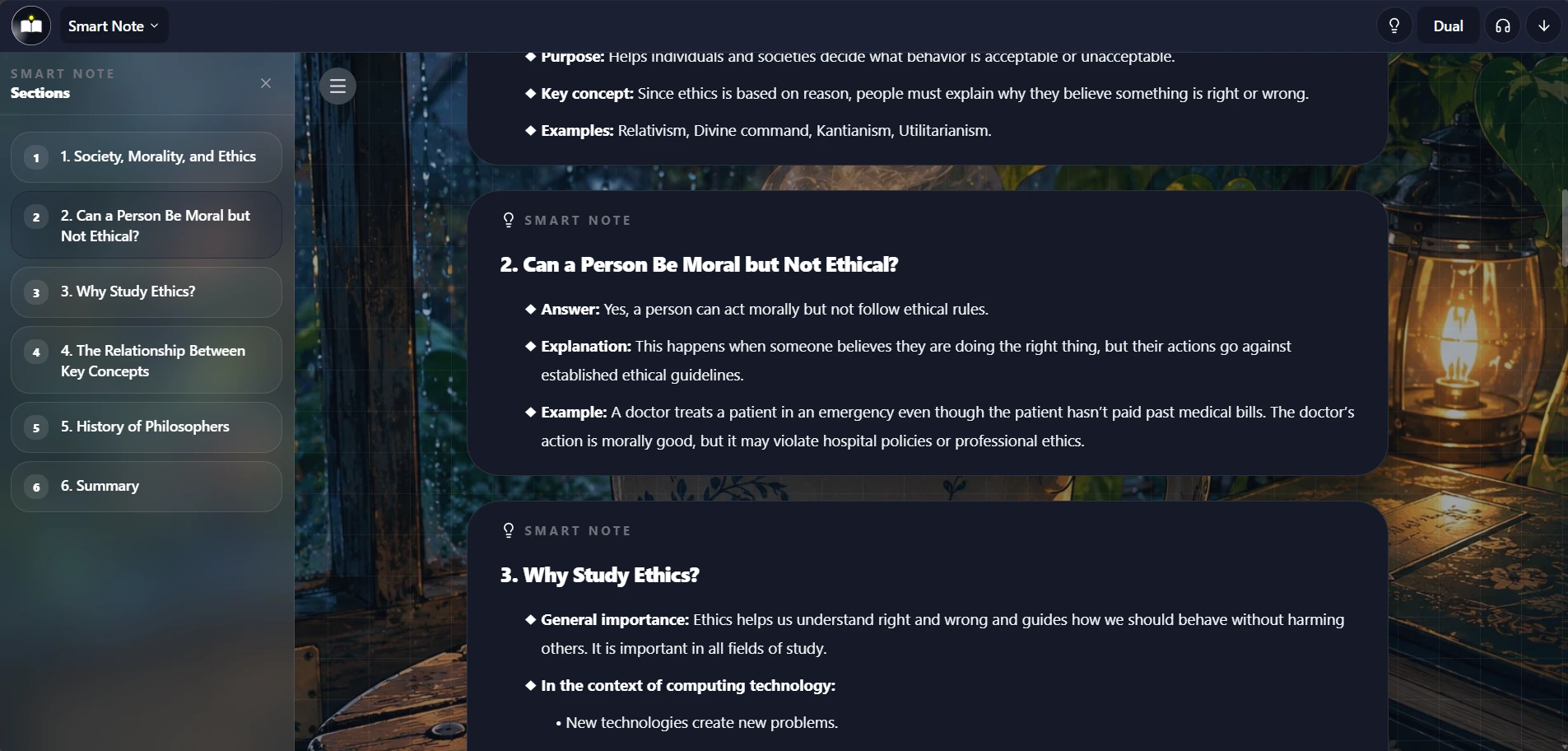
Convert your slides or PDFs into structured smart notes. Work through the important ideas in a clearer format while keeping the context from your material.
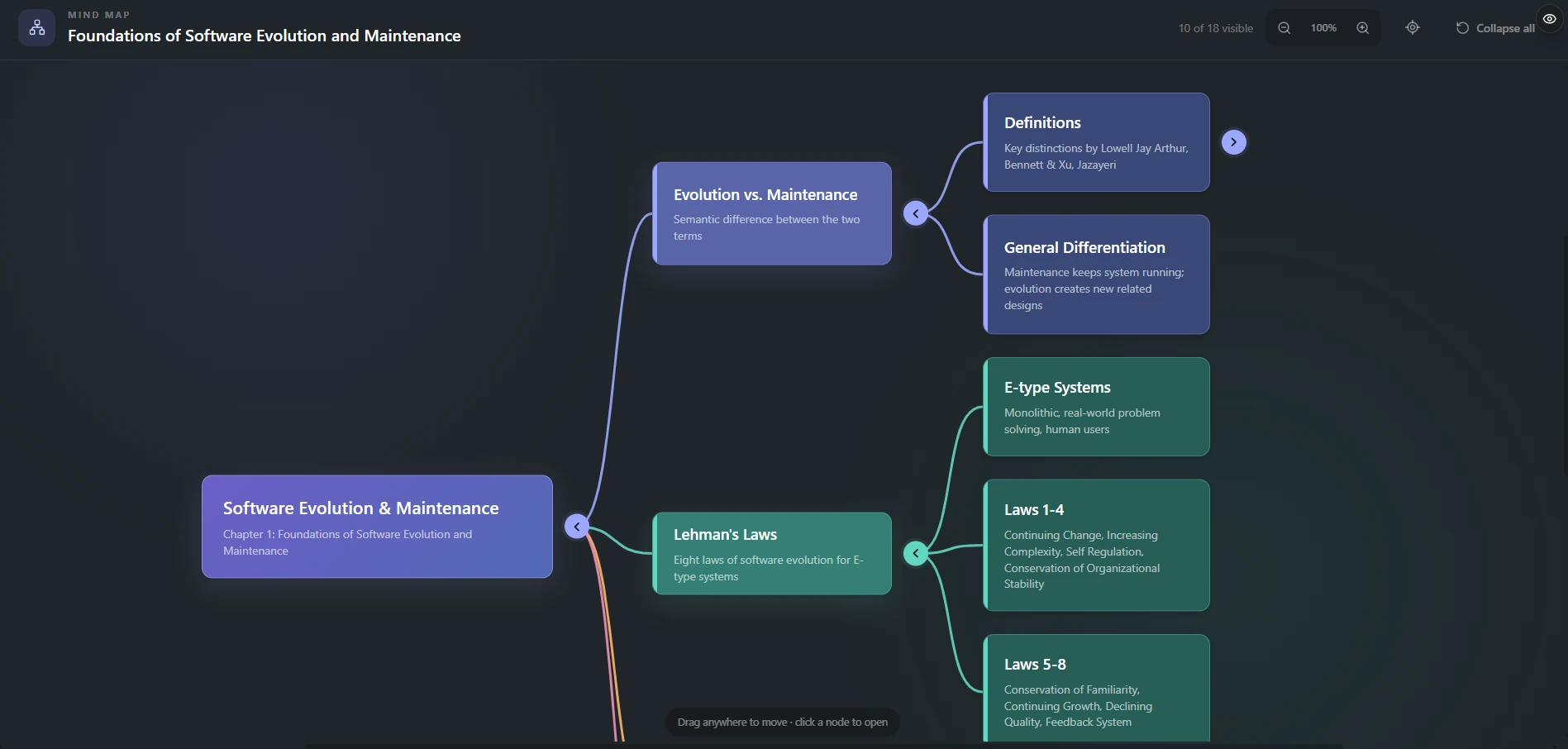
Turn your study material into a visual map of connected ideas. Explore the branches to see how concepts relate and organize the details around the bigger picture.
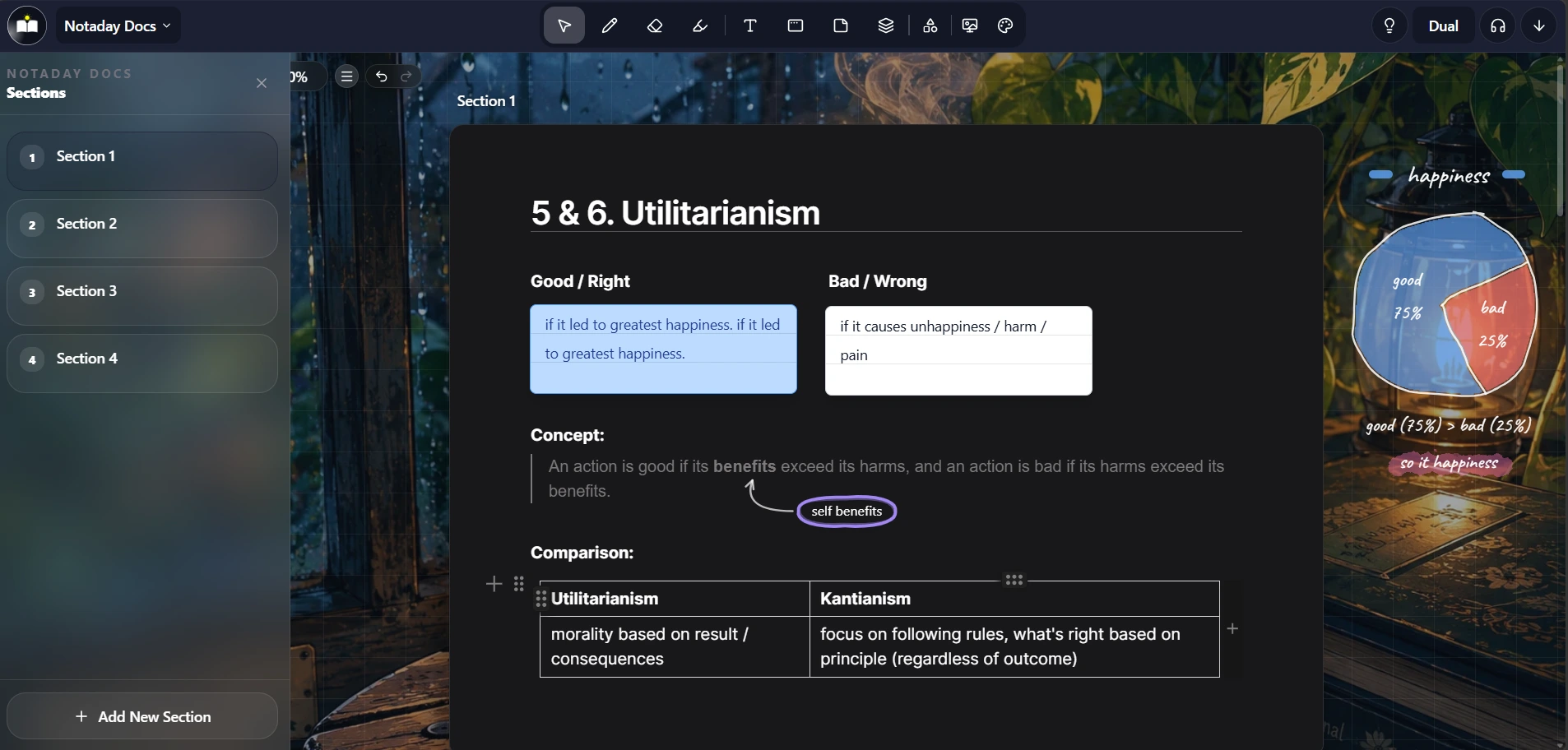
Write and organize your study notes in a document editor. Explain concepts in your own words and bring the examples you want to remember together.
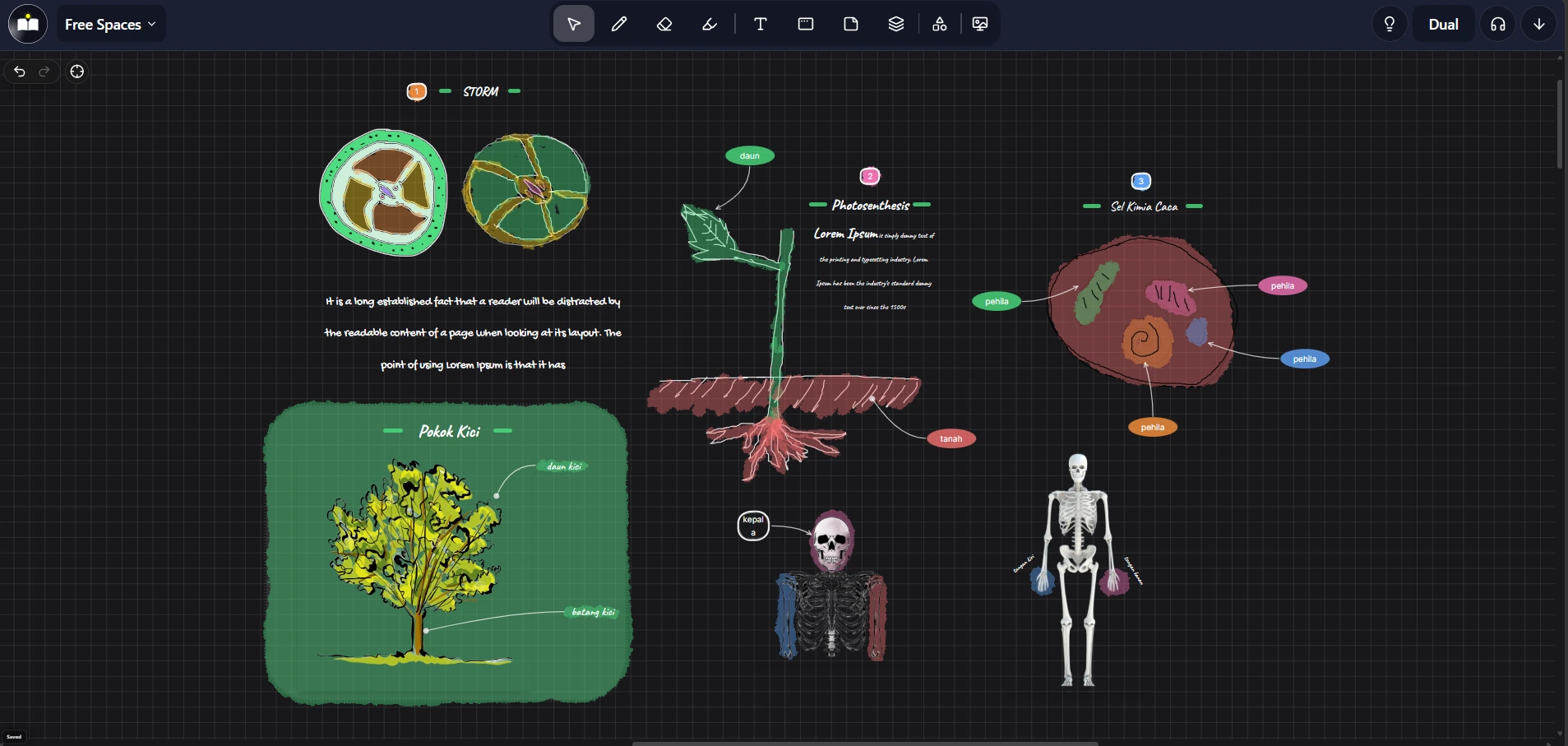
Use a freeform canvas for notes, diagrams, and visual thinking. Arrange ideas your way and draw connections that are easier to see than describe.
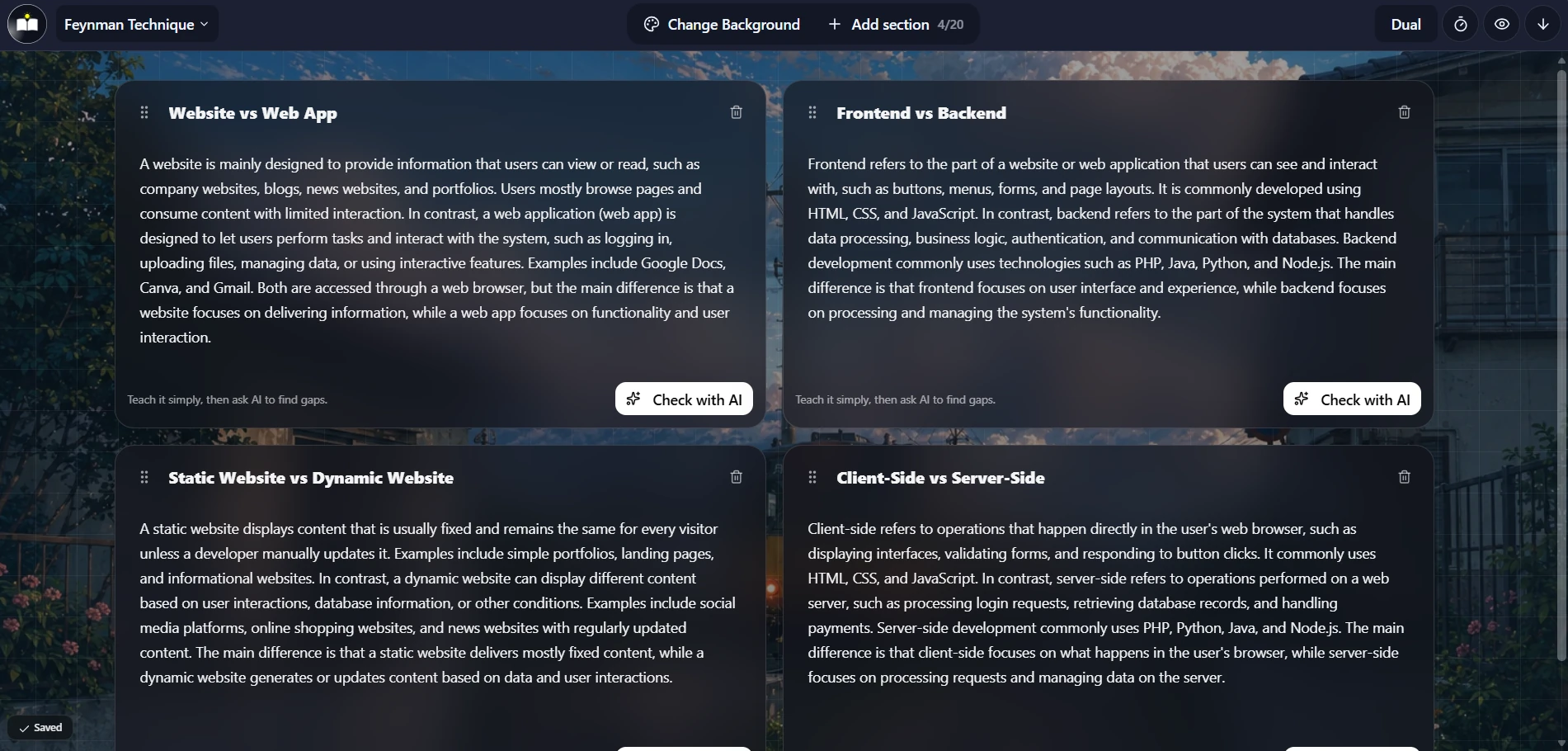
Explain a concept in your own words, as if you were teaching someone else. Ask AI to check your explanation, spot gaps, and help you make the idea clearer.
From a pile of PDFs to a full practice system — faster than making your first coffee.
Organize all your study materials in one clean workspace.
Separate your notes, slides, and PDFs by course or topic.
Drop in your lecture slides, PDFs, or documents.
Turn your materials into quizzes, flashcards, summaries, smart notes, and AI practice.
Generate study tools from existing materials instead of creating them from scratch.
Quizzes and flashcards beat rereading your notes.
Libraries, subjects, and documents in one place.
Ask AI when something in your material is confusing.
Practice subjective answers before exams.
Specialized tools built for every learning style — from first read to final revision.
Read, highlight, draw, annotate, and add sticky notes directly on your uploaded documents.
Convert slides or PDFs into cleaner, easier-to-understand interactive notes.
Create summaries, visual breakdowns, and mind maps from long materials for faster revision.
Generate AI-powered practice quizzes from your documents to test understanding.
Answer open-ended questions and receive AI-powered marks, grading, and personalized feedback.
Generate AI flashcards or create your own for active recall and memory retention.
Write structured study notes in a document-style editor built for learning.
Use a freeform canvas for handwritten-style notes, diagrams, and visual thinking.
Ask questions about your uploaded materials and get context-aware answers based on your own documents.
Have a conversation with your study material and clarify anything, anytime.
Condense long PDFs and slides into quick, structured revision summaries.
Keep everything organized by subject and revisit materials exactly when you need them.
Study modes to master any material
Simple steps from upload to practice
Free to start — no credit card needed
Notaday is an AI-powered study workspace that helps students turn documents into notes, quizzes, flashcards, summaries, and practice tools.
Notaday supports PDF files. Upload your lecture slides, textbooks, notes, and any study material in PDF format.
Yes. Ask AI can answer questions based on your uploaded materials, giving you context-aware responses from your own study content.
No. It helps you organize, improve, and study from your existing materials. You can also create new notes using Notaday Docs or Free Spaces.
Yes. You can start for free and explore all core features. Upgrade when you need more documents, AI usage, or advanced tools.
Students who study from lecture slides, PDFs, notes, and exam materials. Whether you are in university, college, or self-studying, Notaday fits your workflow.
Upload your documents, generate study modes, and start revising smarter today.